
Exoplan 3.1 Rijeka – Implant Planning & Guided Surgery Software | 1-Year Access
Original price was: 3,492.00$.199.00$Current price is: 199.00$.
Advanced Implant Planning & Guided Surgery with exoplan 3.1 Rijeka.
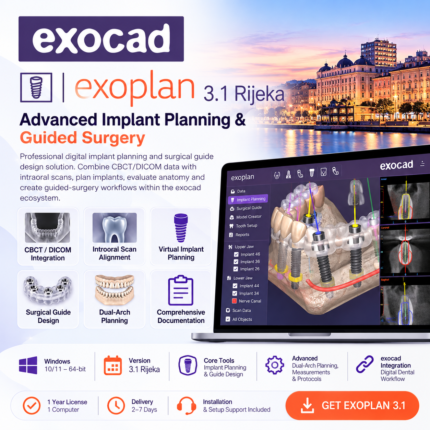
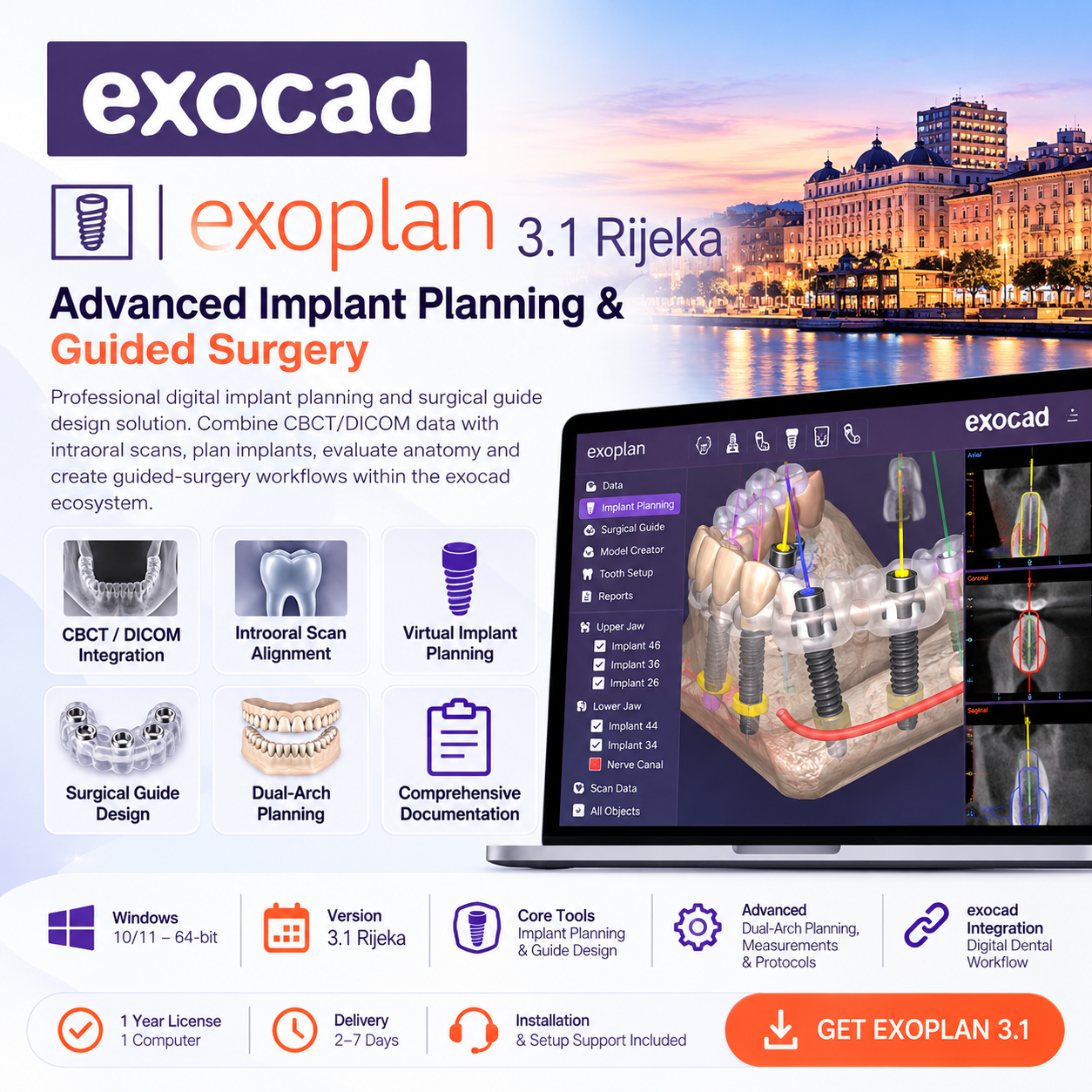
exoplan 3.1 Rijeka is a professional digital implant planning and surgical guide design solution. Combine CBCT/DICOM data with intraoral scans, virtually position implants, evaluate anatomical structures and create guided-surgery workflows within the exocad ecosystem.
The Rijeka release introduces faster pre-planning, simultaneous upper and lower jaw implant planning, improved tooth setup and comprehensive guided-surgery documentation.
Version: exoplan 3.1 Rijeka
Platform: Windows 10/11 – 64-bit
Workflow: CBCT/DICOM + Intraoral Scan Alignment
Core Tools: Implant Planning & Surgical Guide Design
Advanced: Dual-Arch Planning, Measurements & Guided Surgery Protocols
Integration: exocad Digital Dental Workflow
Access: 1 Year – 1 Computer
Delivery: 2–7 Days
Support: Installation & Setup Support Included
Recommended for: Implantologists, oral surgeons, restorative dentists and digital dental laboratories.
Predictable Digital Implant Planning & Guided Surgery
exoplan 3.1 Rijeka provides a comprehensive digital environment for implant planning and surgical guide design, bringing CBCT/DICOM imaging, optical scans, prosthetic planning and guided surgery together in one streamlined workflow.
Designed around the exocad ecosystem, exoplan allows clinicians and dental laboratories to move from diagnostic imaging and implant positioning to surgical guide design while maintaining a prosthetically driven approach.
What’s New in exoplan 3.1 Rijeka?
Rapid Implant Pre-Planning
Perform rapid preliminary implant planning during the consultation and refine implant selection and positioning later as part of the complete treatment-planning workflow.
Simultaneous Full-Arch Planning
Plan implants and work on surgical guide designs for the upper and lower jaws simultaneously, making complex and full-mouth rehabilitation workflows more efficient.
Instant Anatomic Morphing
Accelerate virtual tooth setup with anatomy that adapts dynamically as teeth are repositioned, helping streamline prosthetically driven planning.
Complete Guided Surgery Protocol
Generate a structured surgical protocol including the relevant guided-surgery sequence, providing a clear treatment overview and useful clinical documentation.
Advanced Measurements
Evaluate important planning parameters directly within the digital environment, including:
- Distances
- Angles
- Gray values
- Anatomical relationships
- Implant positioning
CBCT / DICOM Implant Planning
Import and analyze CBCT/DICOM datasets for comprehensive three-dimensional implant planning.
Multiple diagnostic views help clinicians evaluate available bone and anatomical structures before determining the final implant position.
Multiplanar Visualization
- Panoramic visualization
- Coronal views
- Cross-sectional analysis
- Curve-cut visualization
- Interactive 3D visualization
CBCT + Intraoral Scan Alignment
Combine radiological information with optical surface scans to create a unified digital representation of the patient’s anatomy.
This allows implant planning to consider both the underlying anatomical structures and the planned prosthetic restoration.
Prosthetically Driven Implant Planning
Plan implant positioning while considering the desired final restoration rather than evaluating bone anatomy in isolation.
The integrated exocad workflow creates a connection between implant planning and restorative CAD, supporting predictable restorative and surgical workflows.
Implant System Libraries
Work with extensive implant and surgical component libraries covering numerous established implant systems.
Available components can be incorporated directly into the virtual implant-planning workflow according to the selected clinical protocol.
Mandibular Canal Visualization
Identify and visualize important anatomical structures such as the mandibular canal and evaluate their relationship with planned implant positions.
Distance measurements provide additional information when assessing implant placement and surrounding anatomy.
Virtual Implant Positioning
Plan implant position, angulation and restorative orientation in an interactive 3D environment.
The software provides tools for managing:
- Implant position
- Implant angulation
- Prosthetic orientation
- Inter-implant relationships
- Anatomical distances
- Parallelization
- Full-arch planning
Surgical Guide Design
Move from implant planning to digital surgical guide design within the same workflow.
Plan guide geometry and sleeve positioning according to the selected implant and guided-surgery workflow before preparing the design for compatible manufacturing.
Full-Mouth Rehabilitation
The Rijeka release enhances complex treatment planning by allowing simultaneous implant planning and surgical guide workflows involving both dental arches.
This is particularly valuable for extensive implant-supported and full-mouth rehabilitation cases.
Digital Surgical Documentation
Create a structured overview of the planned guided-surgery workflow, including implant information and surgical protocol data that can support communication and clinical documentation.
Integration with the exocad Ecosystem
One of exoplan’s major advantages is its integration with the wider exocad digital dentistry environment.
Implant planning can be combined with compatible restorative workflows, helping connect surgical and prosthetic planning within a unified digital process.
3D Manufacturing Workflow
Prepare compatible designs for subsequent digital manufacturing and 3D-printing workflows.
Support for common dental digital formats enables integration with scanners, CAD workflows and compatible manufacturing solutions.
Key Features
- Advanced dental implant planning
- CBCT/DICOM visualization and analysis
- CBCT and intraoral scan alignment
- Prosthetically driven implant positioning
- Surgical guide design
- Rapid preliminary implant planning
- Simultaneous upper and lower arch planning
- Instant Anatomic Morphing
- Multiplanar diagnostic visualization
- Mandibular canal visualization
- Distance and angle measurements
- Gray-value measurements
- Implant parallelization
- Full-mouth rehabilitation planning
- Guided-surgery workflow documentation
- Integration with compatible exocad workflows
- STL and DICOM-based digital workflows
System Requirements
Minimum
- OS: Windows 10 64-bit
- CPU: Intel Core i5 or equivalent
- GPU: NVIDIA GTX 1050 / AMD Radeon RX 560 or equivalent
- VRAM: 2 GB
- RAM: 8 GB
- Storage: 10 GB available space; SSD recommended
- Display: 1920 × 1080
Recommended
- OS: Windows 10/11 64-bit
- CPU: Intel Core i7 / AMD Ryzen 7 or higher
- GPU: NVIDIA RTX 3060 / AMD Radeon RX 6700 XT or better
- VRAM: 6 GB+
- RAM: 16 GB or more
- Storage: 20 GB SSD available space
- Display: 2560 × 1440 or dual monitors recommended
Delivery & Access
Product: exoplan 3.1 Rijeka
Access: 1 Year
Devices: 1 Computer
Platform: Windows
Delivery Time: 2–7 Days
Installation & Setup Support: Included
Recommended For
- Implantologists
- Oral surgeons
- Restorative dentists
- Prosthodontists
- Digital dental laboratories
- Dental CAD/CAM professionals
- Full-arch rehabilitation teams
From CBCT to Guided Surgery
exoplan 3.1 Rijeka combines diagnostic imaging, prosthetic planning, implant positioning and surgical guide design into a comprehensive digital implant workflow.
Plan faster. Visualize precisely. Create predictable guided-surgery workflows.
How can I access the course after purchase?
Immediately after checkout, we email you a secure link to all materials. If you don't see the message, please check your spam or junk folder.
If you completed the order while logged in to your account, you'll also find the download links anytime in your Dashboard → Downloads section.
What payment methods are accepted for purchasing the course?
We accept a variety of payment methods, including credit cards, debit cards, and PayPal, to make your purchase convenient and secure.
How long do I have access to the course material?
Upon purchasing any of our courses, you will enjoy unlimited access to the course material. This means you can watch and revisit the videos and other resources whenever you wish, allowing for a thorough and comprehensive learning experience.
Is the course accessible on mobile devices?
Yes, our courses are designed to be accessible on both desktop and mobile devices. You can easily access the course content using a web browser on your smartphone or tablet, providing flexibility in your learning.
Is there any certification provided after completing the course?
While our courses are highly educational and designed to enhance your knowledge and skills, they do not include formal certifications. However, the valuable expertise you gain from our courses can significantly benefit your surgical practice and patient outcomes.
What is the format of the course?
All our courses are delivered in a video series format. The content is available for high-definition download, ensuring the best learning experience for you.
Do I need any special software to access the course videos?
No special software is required to access the course videos. You can conveniently download the videos online using any standard web browser on your computer or mobile device.
Can I download the course materials for offline access?
Absolutely! You will have the option to download all course materials, including lecture slides, handouts, and supplementary resources. This allows you to access the content offline whenever and wherever it suits you best.
Related products
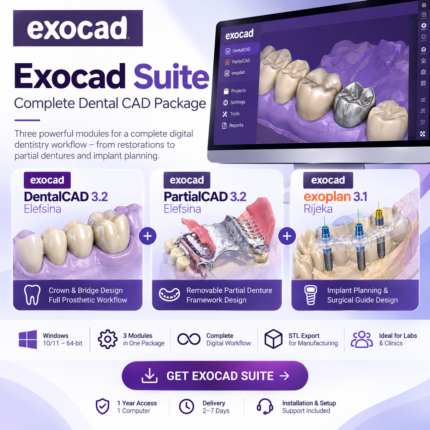
Exocad Suite – DentalCAD 3.2 Elefsina + PartialCAD 3.2 + exoplan 3.1 Rijeka | Complete Dental CAD Package
Complete Digital Dentistry Workflow in One Exocad Suite.
Exocad Suite combines DentalCAD 3.2 Elefsina, PartialCAD 3.2 and exoplan 3.1 Rijeka with a comprehensive collection of dental CAD modules for restorative dentistry, implant planning, surgical guides, removable prosthetics, digital models, splints and smile design. From crowns and bridges to implant-supported restorations, partial and full dentures, CBCT-based implant planning and surgical guides, this package provides an extensive digital workflow for modern dental laboratories and clinics. DentalCAD: 3.2 Elefsina Implant Planning: exoplan 3.1 Rijeka Partial Dentures: PartialCAD 3.2 Elefsina Included: DentalCAD + PartialCAD + exoplan + Add-On Modules Workflows: Restorative, Implant, Removable & Diagnostic CAD Platform: Windows 10/11 – 64-bit Access: 1 Year – 1 Computer Delivery: 2–7 Days Support: Installation & Setup Support IncludedRecommended for: Dental laboratories, dental technicians, prosthodontists, implantologists and digital dentistry professionals.
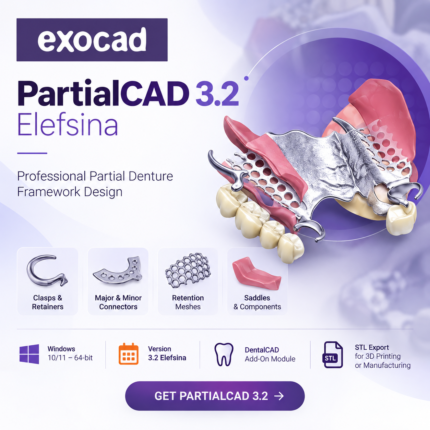
PartialCAD 3.2 Elefsina – Removable Partial Denture Framework Design | 1-Year Access
Professional Partial Denture Framework Design with PartialCAD 3.2 Elefsina.
PartialCAD 3.2 Elefsina is an advanced exocad module for the digital design of removable partial denture frameworks. Create clasps, major and minor connectors, retention meshes, saddles and other framework components directly on the patient's 3D model. Designed for dental laboratories and technicians, PartialCAD provides a streamlined digital workflow from framework design to STL export for 3D printing or manufacturing. Version: PartialCAD 3.2 Elefsina Platform: Windows 10/11 – 64-bit Software Type: DentalCAD Add-On Module Workflow: Removable Partial Denture Framework Design Core Tools: Clasps, Connectors, Meshes, Retainers & Saddles Output: STL for Digital Manufacturing Access: 1 Year – 1 Computer Delivery: 2–7 Days Support: Installation & Setup Support IncludedRecommended for: Dental technicians, prosthodontic laboratories and digital dental CAD professionals.
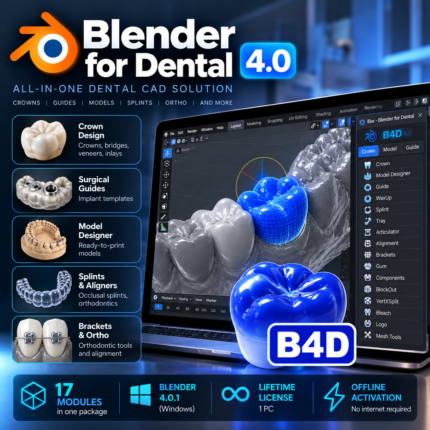
Blender for Dental 4.0 (B4D) – Complete Dental CAD Software with iBar & 17 Modules | 1-Year Access
Recommended for: Dental technicians, digital dental laboratories, dentists and CAD/CAM professionals.