
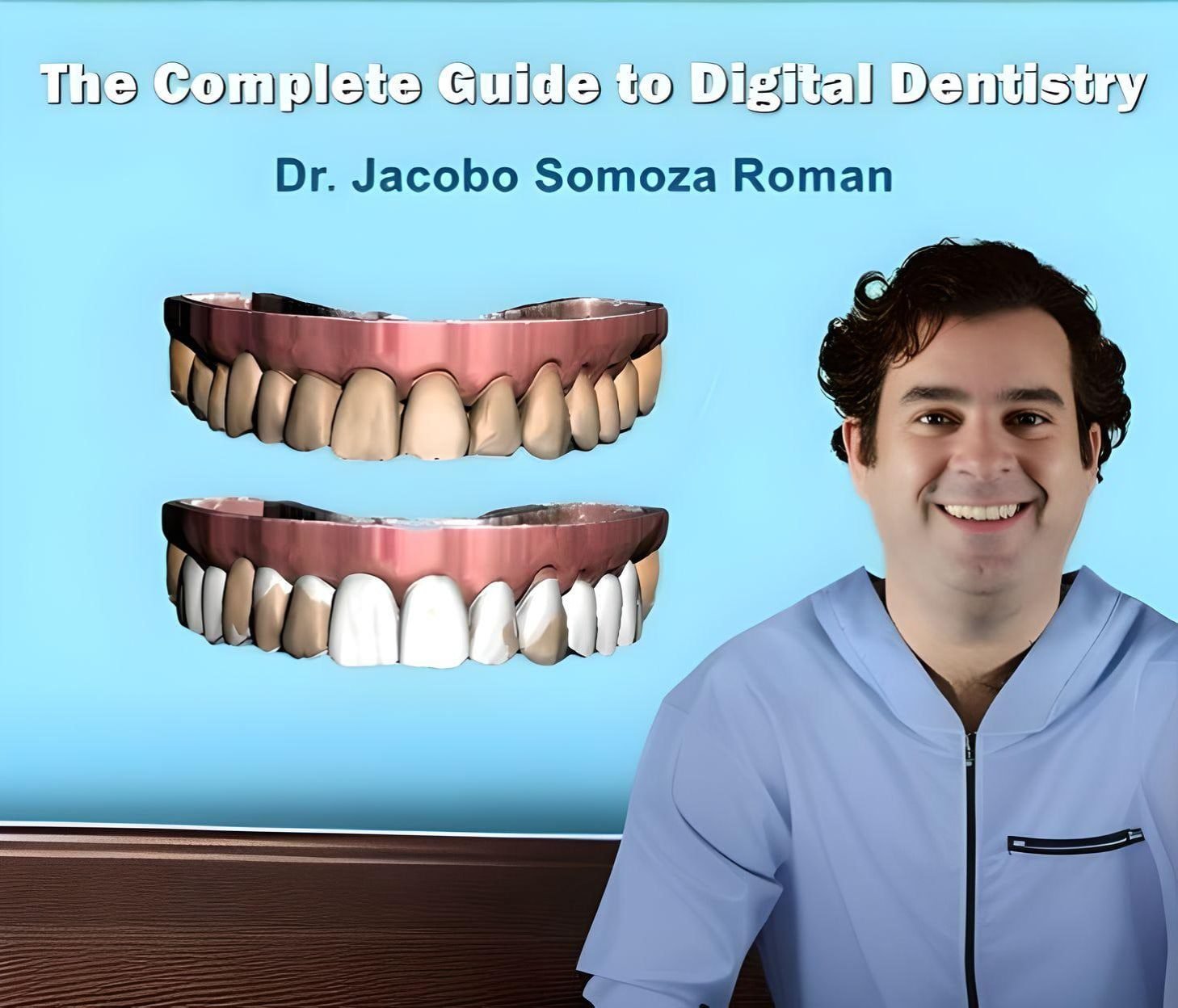
The Complete Guide to Digital Dentistry – Scanning, 3D Printing, Smile Design & Guided Surgery
Original price was: 699.00$.159.00$Current price is: 159.00$.

Complete Digital Dentistry Training
Master the Complete Digital Workflow from Scanning to Final Restoration.
Learn intraoral scanning, 3D printing, digital smile design, CBCT integration, guided surgery, full-arch rehabilitation, virtual articulation, and ultra-thin CAD/CAM veneer protocols with Dr. Jacobo Somoza Roman.
- Format: 10 Advanced Video Lessons
- Duration: 14 Hours 57 Minutes
- Focus: Intraoral Scanning, 3D Printing, Smile Design, Guided Surgery & CAD/CAM
- Access: Lifetime Access & Instant HD Streaming
Recommended for:
Prosthodontists, Implantologists, Digital Dentists, Dental Technicians, and clinicians building a complete digital workflow.
The Complete Guide to Digital Dentistry
A comprehensive digital dentistry masterclass designed to help clinicians plan, design, manufacture, and deliver modern restorative and implant treatments through fully integrated digital workflows.
What You’ll Learn
- Select and use intraoral scanners for restorative and implant cases
- Apply efficient static and dynamic scanning strategies
- Register centric occlusion, centric relation, and dynamic occlusion digitally
- Compare DLP and SLA printing technologies
- Calibrate printers, resin, axes, and light sources
- Position supports and optimize printed model accuracy
- Choose between 3D printing and milling for different indications
- Produce surgical guides, splints, provisionals, and working models
- Perform digital facial and aesthetic analysis
- Create 2D and 3D smile designs
- Integrate facial photography, intraoral scans, CBCT, DICOM, and STL files
- Use virtual articulators for functional planning
- Plan predictable computer-guided implant surgery
- Apply dual-scan and complete-edentia protocols
- Use photogrammetry and digital implant prosthetic workflows
- Plan interdisciplinary orthodontic, surgical, and prosthetic cases
- Design and fabricate ultra-thin CAD/CAM veneers
Course Curriculum
Lesson 1: Intraoral Scanners in Static & Dynamic Workflows
Understand scanner technologies, device selection, scanning ergonomics, prepared-tooth scanning, implant prosthetic workflows, gingival retraction, bite registration, centric relation, dynamic occlusion, and communication with the laboratory.
Lesson 2: Complete Guide to 3D Printing
Learn how DLP and SLA printers work, how to evaluate model quality, reduce the voxel effect, manage grayscale, calibrate the machine, select platform dimensions, and position support structures correctly.
Lesson 3: Advanced 3D Printing Tips & Clinical Applications
Compare printing with milling, evaluate surgical-guide accuracy, position guides before production, scan templates before surgery, fabricate implant provisionals and splints, and improve printed laboratory workflows.
Lesson 4: Digital Aesthetic Analysis
Combine facial photography, CBCT, intraoral scans, aligners, virtual articulation, and restorative planning to analyze the midline, occlusal plane, facial asymmetry, materials, and complex aesthetic cases.
Lesson 5: 2D & 3D Digital Planning Without an Analog Articulator
Master facial landmarks, smile design, digital mock-ups, gingival margin planning, plastic-surgery indications, photography protocols, virtual articulation, and author-based treatment planning.
Lesson 6: CBCT Integration into 3D Smile Design
Work with DICOM and STL files, combine intraoral scans with CBCT, evaluate voxel resolution, plan occlusal splints, integrate jaw position, and apply CBCT data to advanced smile design.
Lesson 7: Progressive Guided Surgery Protocols
Learn dual-scan planning, surgical-template production, implant positioning, guide accuracy, artifact reduction, temporary-restoration planning, complete-edentia workflows, autotransplantation, and zygomatic implant guide concepts.
Lesson 8: Digital Full-Mouth & Implant Rehabilitation
Explore total rehabilitation in two or three visits, full-arch scanning, implant prosthetic structures, photogrammetry, PIC abutments, ICAM4D, virtual keys, soft-tissue recording, and restorative material selection.
Lesson 9: Interdisciplinary Digital Dentistry
Combine facial analysis, orthodontic setup, implant planning, crown lengthening, restorative treatment, edentulous rehabilitation, and mock-up design in one coordinated digital protocol.
Lesson 10: Ultra-Thin Milled Veneers
Follow a fully digital aligner and prosthetic workflow, select ceramic materials, create 0.4 mm veneers, reproduce natural perikymata, optimize polishing and adhesion, and analyze complex aesthetic cases.
Presented by Dr. Jacobo Somoza Roman
Dr. Jacobo Somoza Roman is an aesthetic dentistry specialist, implantology educator, international lecturer, and Director of the Jacobo Somoza Institute. His work focuses on complete digital workflows, implant rehabilitation, aesthetic planning, and advanced restorative dentistry.
Instant Digital Access
Get immediate access to 10 comprehensive lessons, nearly 15 hours of advanced digital dentistry training, and lifetime HD streaming across all your devices.
How can I access the course after purchase?
Immediately after checkout, we email you a secure link to all materials. If you don't see the message, please check your spam or junk folder.
If you completed the order while logged in to your account, you'll also find the download links anytime in your Dashboard → Downloads section.
What payment methods are accepted for purchasing the course?
We accept a variety of payment methods, including credit cards, debit cards, and PayPal, to make your purchase convenient and secure.
How long do I have access to the course material?
Upon purchasing any of our courses, you will enjoy unlimited access to the course material. This means you can watch and revisit the videos and other resources whenever you wish, allowing for a thorough and comprehensive learning experience.
Is the course accessible on mobile devices?
Yes, our courses are designed to be accessible on both desktop and mobile devices. You can easily access the course content using a web browser on your smartphone or tablet, providing flexibility in your learning.
Is there any certification provided after completing the course?
While our courses are highly educational and designed to enhance your knowledge and skills, they do not include formal certifications. However, the valuable expertise you gain from our courses can significantly benefit your surgical practice and patient outcomes.
What is the format of the course?
All our courses are delivered in a video series format. The content is available for high-definition download, ensuring the best learning experience for you.
Do I need any special software to access the course videos?
No special software is required to access the course videos. You can conveniently download the videos online using any standard web browser on your computer or mobile device.
Can I download the course materials for offline access?
Absolutely! You will have the option to download all course materials, including lecture slides, handouts, and supplementary resources. This allows you to access the content offline whenever and wherever it suits you best.
Related products


Fundamentals of Implant Dentistry: The Essential IAO Guide (13+ Hours)
 4.7 out of 5 based on recent reviews
- Format: 17 Video Lectures (13 Hours & 4 Min)
- Presented By: IAO (Italian Academy of Osseointegration)
- Key Topics: Primary Stability, Soft Tissue, & Ridge Preservation
- Access: Lifetime Access & Instant Download


The Essentials of Perio – Complete Periodontics Masterclass with Dr. Reena Wadia
Complete Periodontics TrainingBuild Confidence in Everyday Periodontal Diagnosis, Communication & Treatment.
Master periodontal classification, BPE interpretation, patient communication, oral hygiene motivation, referral decisions, expected treatment outcomes, and practical procedures such as crown lengthening with Dr. Reena Wadia.
- Format: 65 Video Lessons + 22 PDF Resources
- File Size: 7.9 GB
- Focus: Periodontal Diagnosis, Classification, Treatment Planning & Patient Management
- Access: Lifetime Access & Instant Digital Delivery
Recommended for: General Dentists, Dental Students, Hygienists, Therapists, and clinicians seeking a practical foundation in modern periodontics.
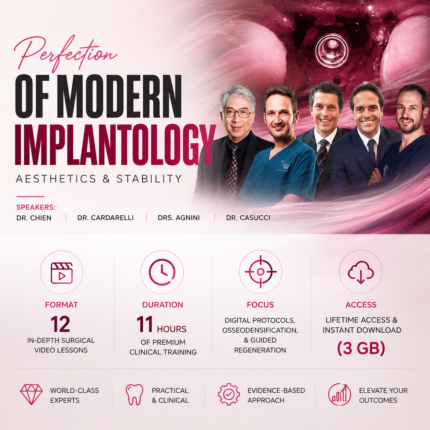
Perfection Of Modern Implantology: Aesthetics & Stability Masterclass
 5.0 out of 5 based on clinical reviews
- Format: 12 In-Depth Surgical Video Lessons
- Duration: 11 Hours of Premium Clinical Training
- Focus: Digital Protocols, Osseodensification, & Guided Regeneration
- Access: Lifetime Access & Instant Download (3 GB)